Real terminal keys.
Use Ctrl, Alt, Esc, and Tab from the phone’s key bar. Send the shortcuts your shell and coding agents use.
 tenax
tenax
Your computer. Your session.
Run your shell and coding agents on your own computer. Open the same session on your iPhone.
iPhone beta · Linux, macOS & Windows hosts
A TestFlight invitation is required.
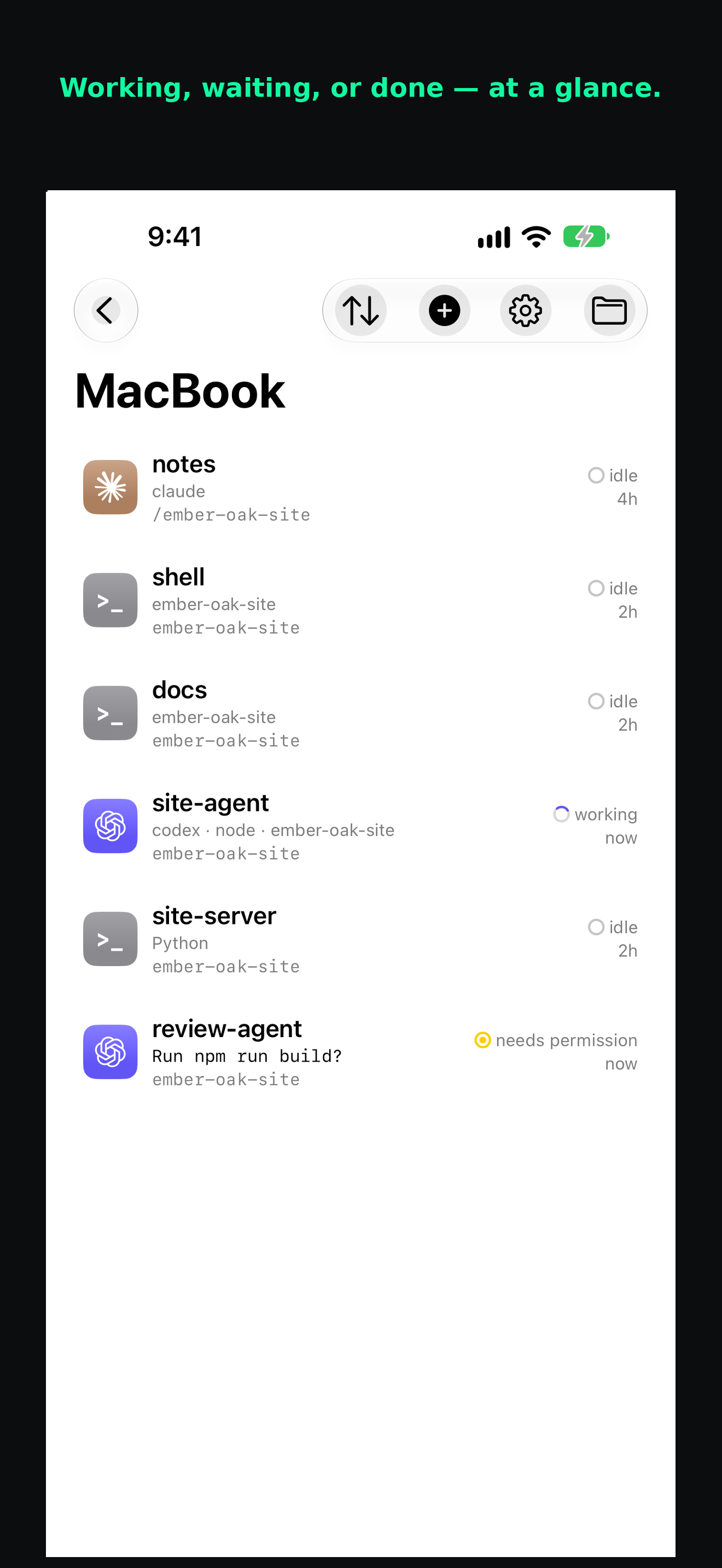
Same shell. Smaller screen.
Your shell runs on the host, even when your phone sleeps. Return to that session from the app. Connection recovery is still being refined in beta.
The tools you already use
Run Claude Code, Codex, or Grok on your host. Read the actual terminal output on your iPhone. Send instructions and answer prompts.
Switch between an agent and a shell. Each session keeps its own terminal.
Coding agents run on your computer. Install and sign in to each tool there.
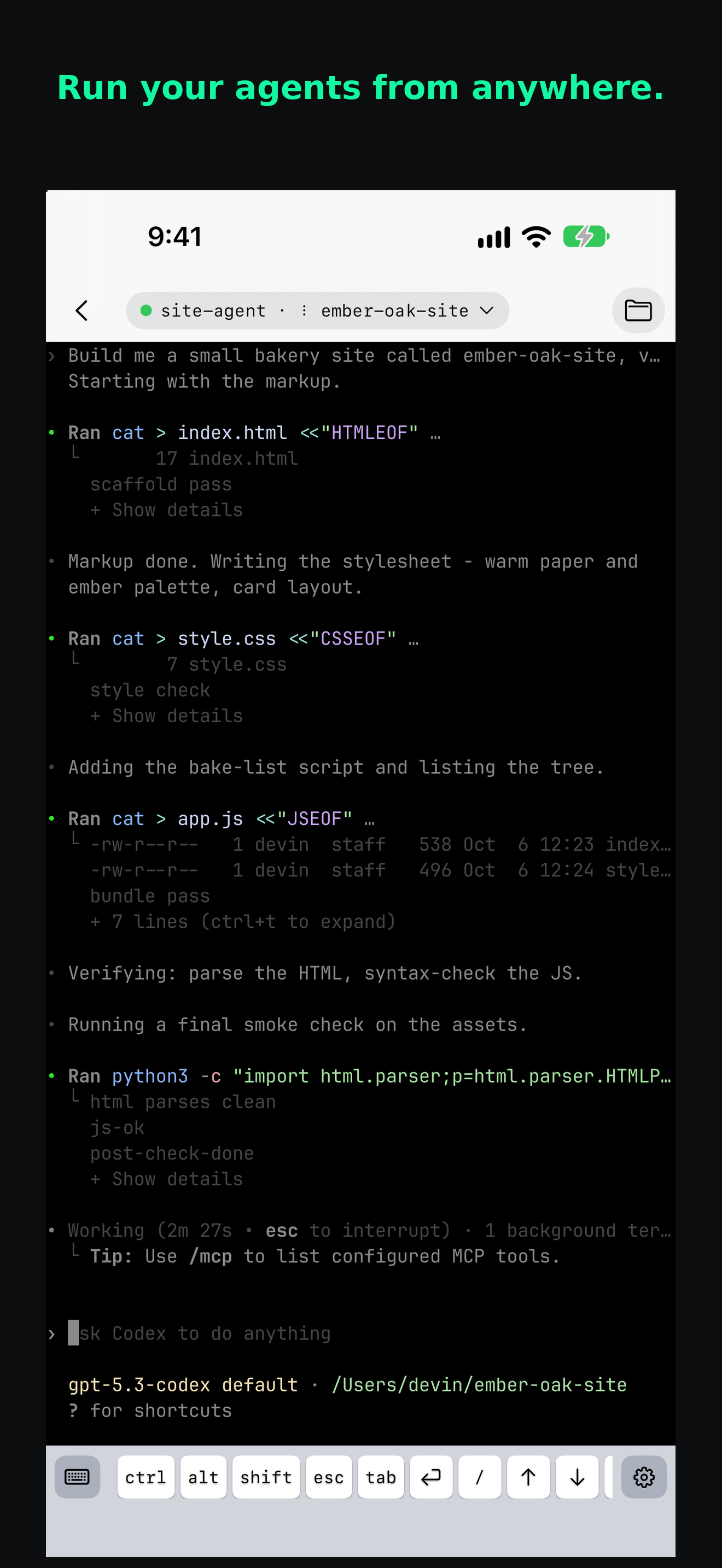
Finished · Needs you
Tenax can notify you when a supported agent finishes a turn or needs permission, a plan review, or an answer.
Open the session once and allow iPhone notifications. Mute any session when you want quiet. Beta notifications can be delayed or missed.
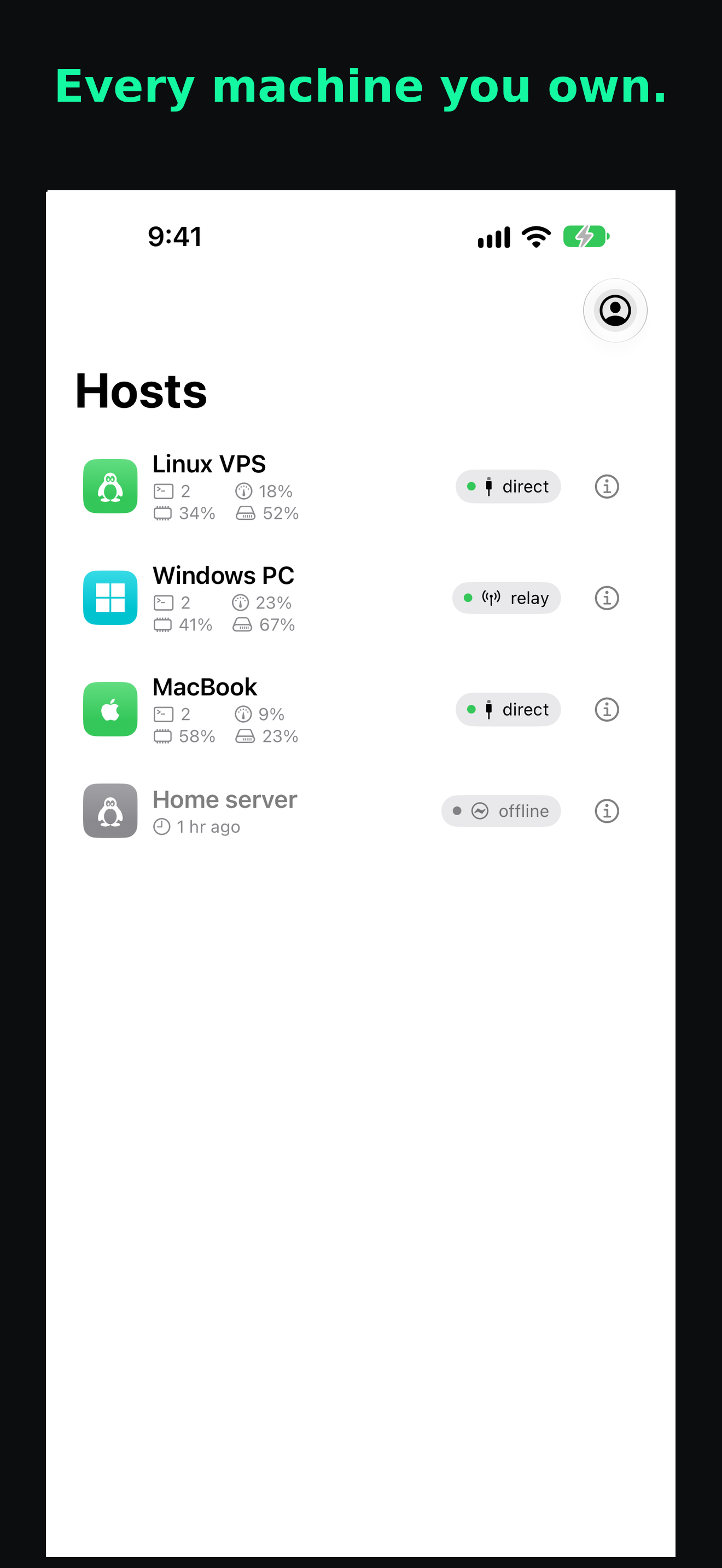
Linux · macOS · Windows
Keep a shell on your Linux VPS, coding agents on your Windows computer, and project files on your MacBook. Choose a host, then open its session.
Give each host a name you recognize. The app shows its operating system and whether it’s online.
Use Ctrl, Alt, Esc, and Tab from the phone’s key bar. Send the shortcuts your shell and coding agents use.
Browse, upload, and download files on the host you’re using. Home is the default shared folder.
Your phone and each computer make their own key. Tenax never sends a private key off the device that made it. Your session is encrypted end to end, and our relay forwards bytes it cannot read.
How Tenax protects your session